Potential member process
The new prospect area in MMS is a new feature to help capture potential members. It will allow RAS to gain understanding of the sales process, what works, what doesn't and how it can be improved as a whole.
Goals
- Clear view of the new prospect pipeline.
- Enable open and clear communication between the regional managers and national manager.
- A simple process to achieve optimal usage.
Capturing prospects
To enter a new prospect in MMS follow these steps;
- Login to MMS.
- Navigate to the prospects model.
- Select + Create a new prospect.
- Enter all the details you have about the business, ensuring you fill all mandatory fields (marked with an *).
Updating prospects
A large part of managing prospects is updating them as they progress through the conversion process. At the bottom of each prospects overview page there is a space to add comments, these should be updated each time you make contact with a prospect or take any action to progress the relationship.
- Navigate to the prospects model.
- Click on the prospect to see the overview page and scroll to the bottom.
- Click add comment and select a category and add your comment.
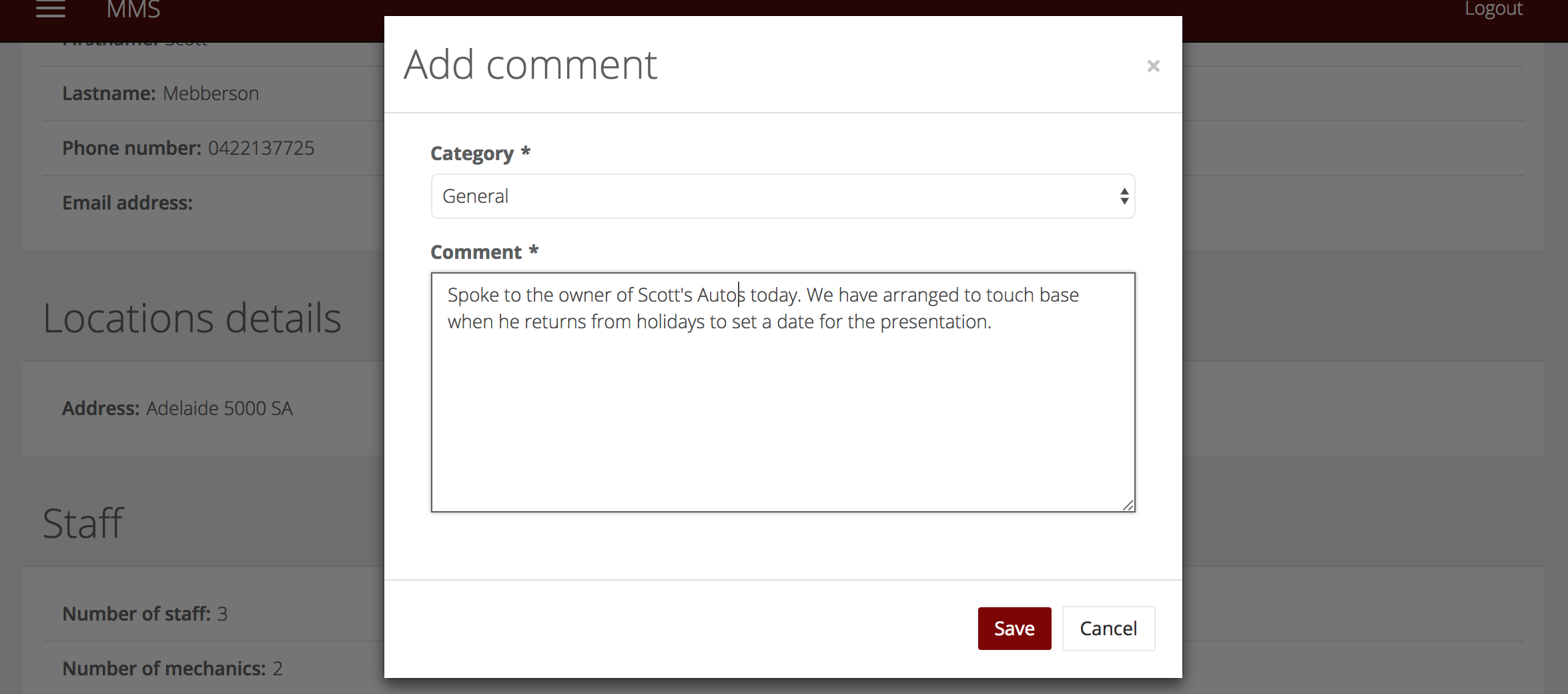
- The comment will save on the overview page, giving you a history of what activity has taken place against a prospect. You can also edit any comments you have written using the pencil icon.

Converting a prospect
Once a prospect has decided to join RAS it is simple to switch them to a member in MMS;
- Navigate to the prospects model.
- Find the member you wish to convert.
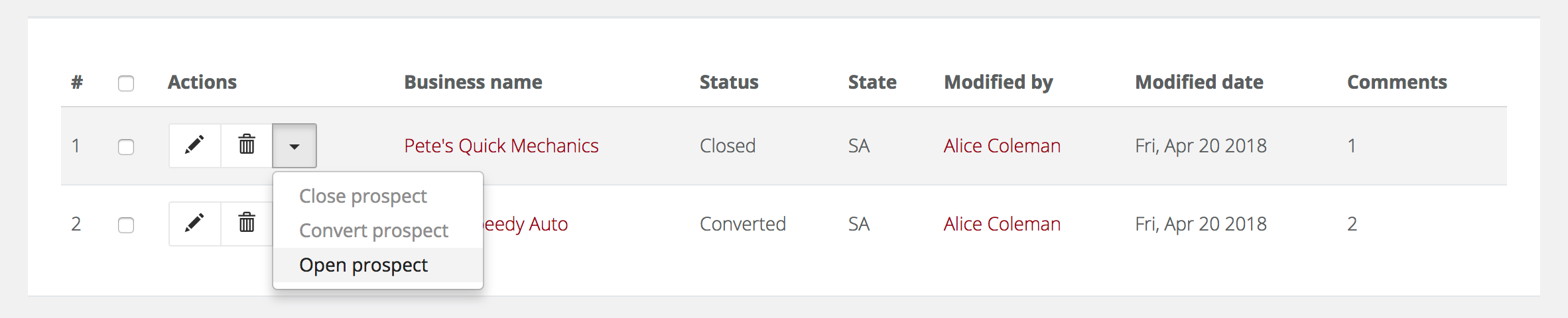
- Click the down arrow next to the record and select Convert prospect.

- You will be taken to the new member record for that prospect where you can add the rest of the details required to create a member record.
- You'll have the ability to choose Affiliate, Authorised or Premium in the Subscriptions field.
Closing and reopening a prospect
If a prospect will not be joining RAS, you can close them;
- Navigate to the prospects model.
- Find the member you wish to convert.
- Click the down arrow next to the record and select close prospect.

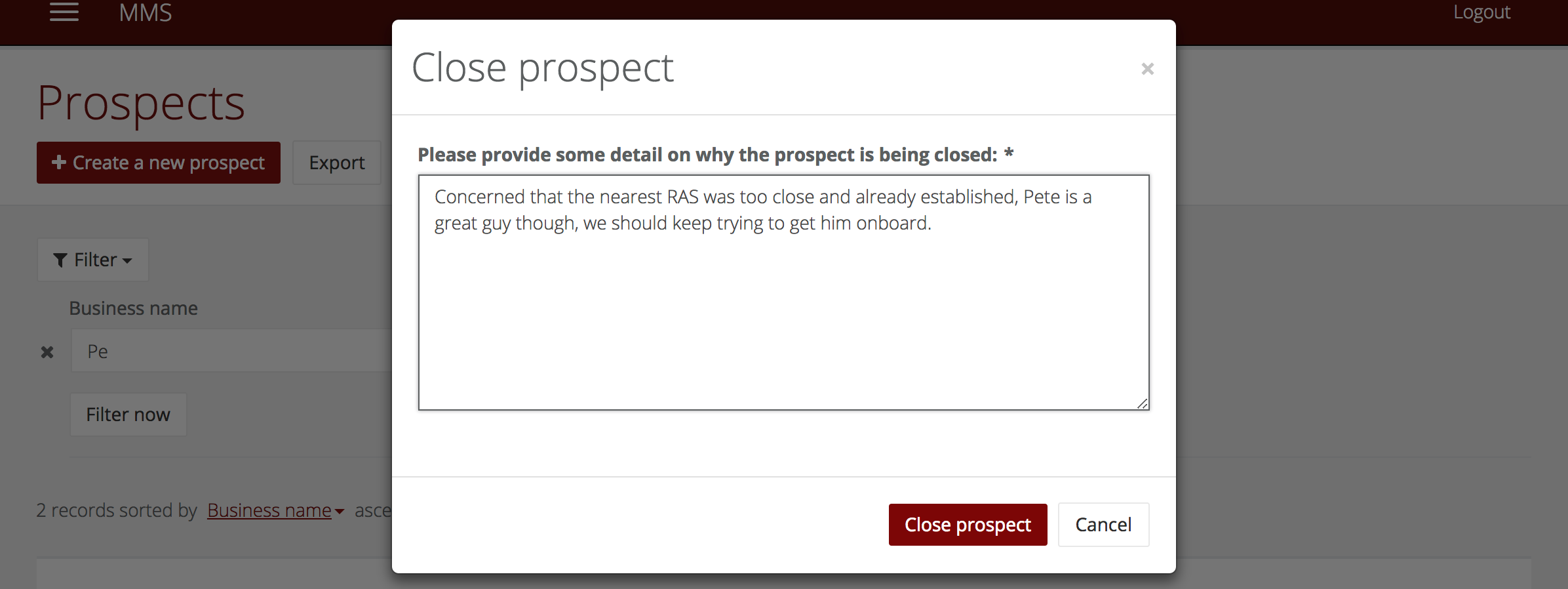
- You will be prompted to add a comment, it must be longer than 100 characters to ensure you give valuable information that can be used to improve the onboarding process in the future.
- If required, you can also reopen a closed prospect should they decide to come back. You are required to add a comment here too, although it doesn't have a minimum character requirement.