Tickets
The new ticket model in MMS captures all conversations that are created in the new help desk to allow robust reporting on issues in future.
Goal
Capturing feedback and ensuring it is appropriately dealt with will help the RAS team to develop a better and more dynamic program. Keeping a record of it in MMS allows us to easily move help desks or run reports on that data in future.
Steps for a BDM/RM to review tickets
- Log into MMS.
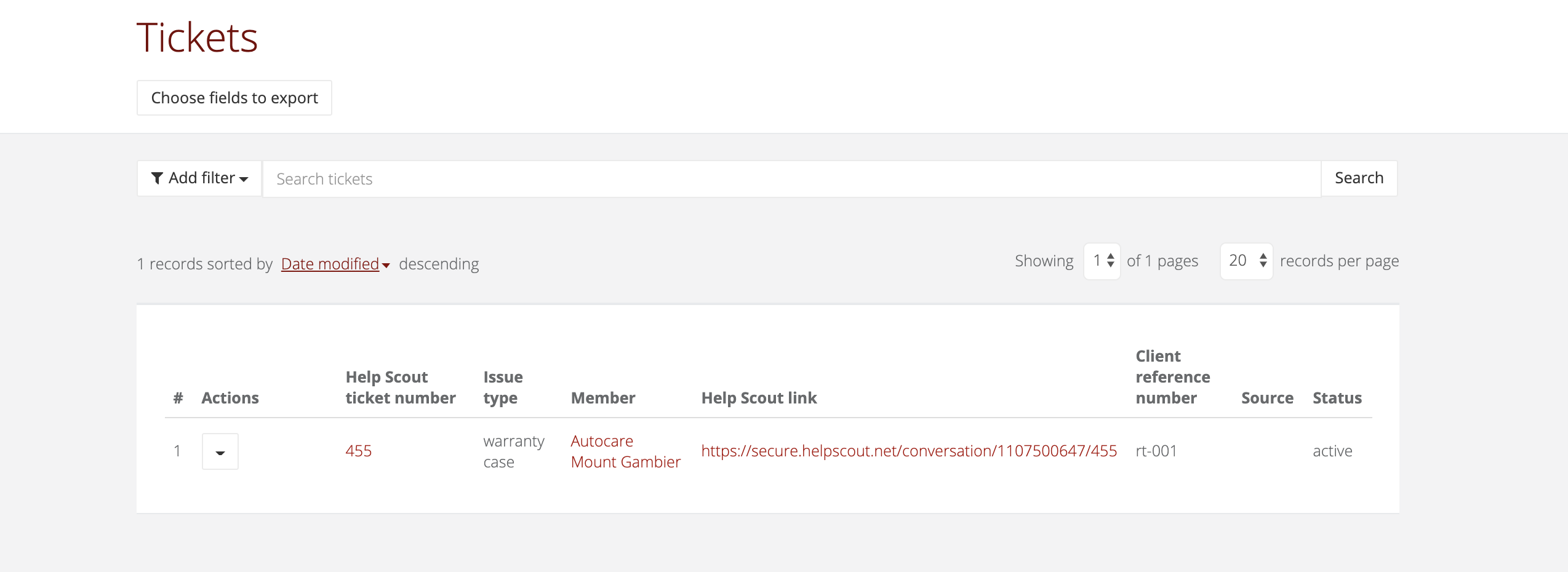
- Open the left navigation and select Tickets.
- In here you will be able to view all tickets, each ticket represents a conversation in Help Scout.
- You can click the Help Scout link to view the conversation in Help Scout, or you can click the Help Scout ticket number to view the details in MMS.
Notifications
Follow these steps to determine who has been sent a notification.
- Use the steps above to find a notification.
- Click on the number in the Help Scout ticket number column to be taken to the overview page for the ticket.
- Scroll down to the notifications heading to review who was included in the notification communication.