Adding member comments
MMS has the ability to store comments specific to a member. The comments are a handy place to store ad-hoc information that you'd like to be shareable, findable and exportable. With comments you can:
- Categorise them
- Export them
You can read more about how to use comments;
Goal
To centralise ad-hoc communication about a particular member and have that information exportable.
Add a comment
- Login to MMS.
- Navigate to the members model.
- Filter the list to find the member you wish to add a comment to.
- Click the members name to view the overview screen.
- On the overview screen, select the Comments tab then click the button.

- Complete all required fields:
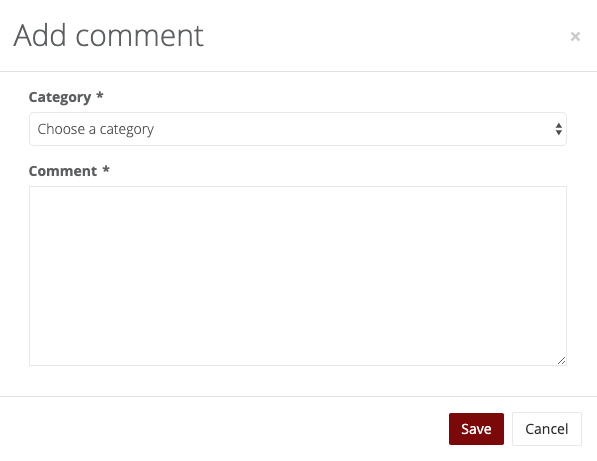
- Click the _Save_ button.
Export comments
You can export comments for easy reporting, sharing of information or integrating into other systems.
- Log into MMS.
- Navigate to the members model.
- Filter the list to find the member(s) you wish to export comments for.
- Click the Export > Comments button.
- Choose the categories you'd like to export, and optionally include the support fields in the export:
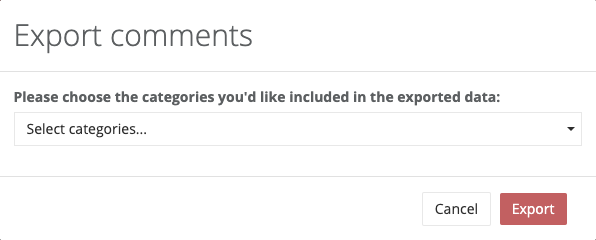
- Click the Export button to download a CSV file.
